reverb
one room around the whole sound scene: early reflections and reverb tail
Reverb puts an ambisonic signal in a room: early reflections from the room's walls, each arriving from its own direction, and a diffuse reverb tail after them.
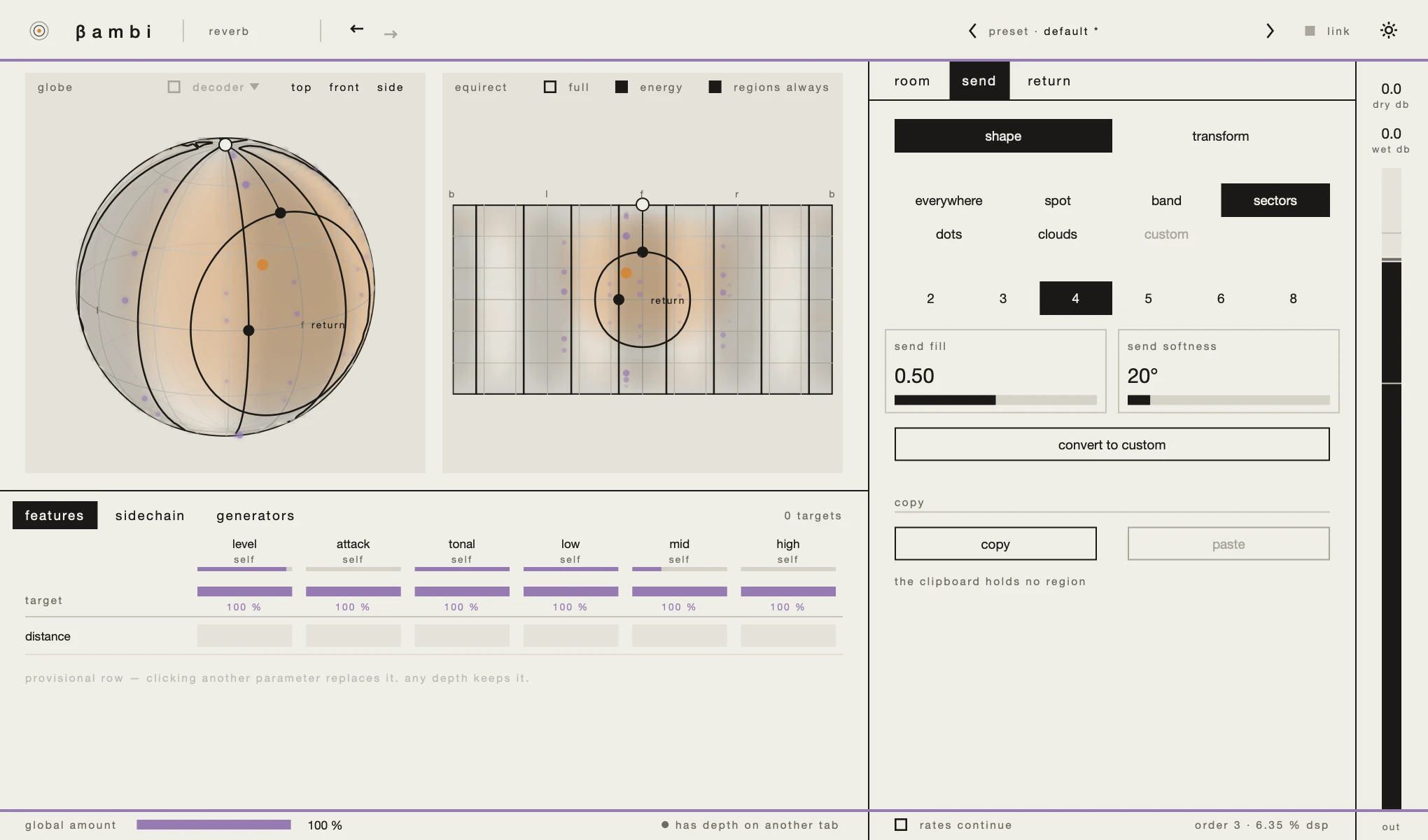
Its window is the one every bambi plugin has; the 3D view, the matrix, presets and the link are explained inthe window. This page covers what is Reverb's own: its three tabs, room,send and return, and what it shows in the 3D view.
the room
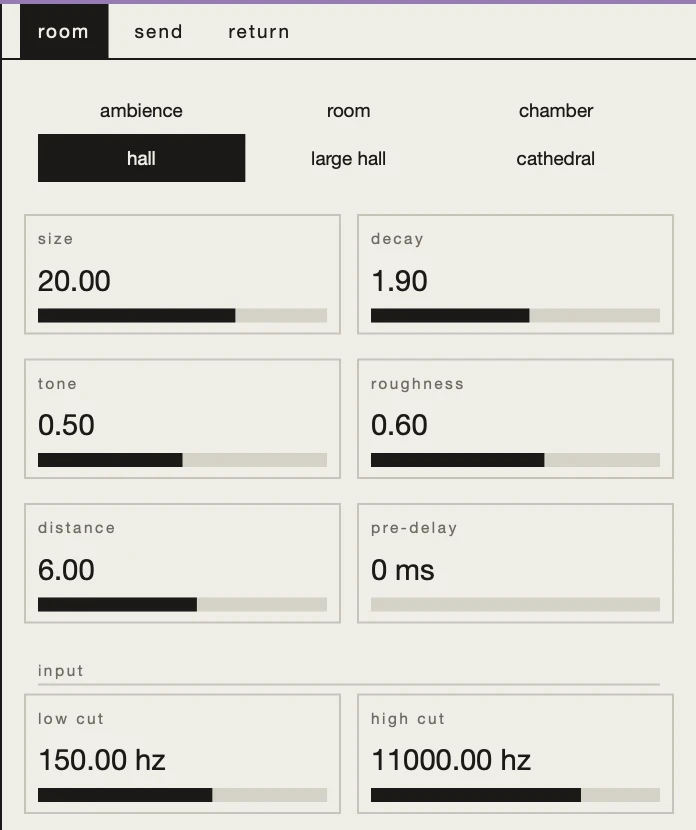
The row at the top is six rooms to start from: ambience, room,chamber, hall, large hall and cathedral. Choosing one sets the room's settings except pre-delay, and the input filters; it leaves pre-delay, the levels, the quality and the regions as they are. The room stays highlighted while you edit its settings, and a double-click restores them.
size, 3 to 40 metres: when the reflections arrive and how dense they are.decay, 0.2 to 10 seconds: how long the reverb tail lasts.tone: how much faster the highs decay than the lows.roughness: how much the walls diffuse the sound. Smooth walls give clear mirror reflections; rough ones send more into the tail.distance, 0.5 to 20 metres: how far away the sound seems, which comes across mostly as the balance of dry signal and reverb. It is one value for the whole input, since a reverb on a bus cannot know each source's distance.pre-delay, up to 200 milliseconds: delays the reverb tail further, on top of where it already starts. The early reflections are not moved.- input: a
low cutand ahigh cuton the signal going into the reverb.
send and return
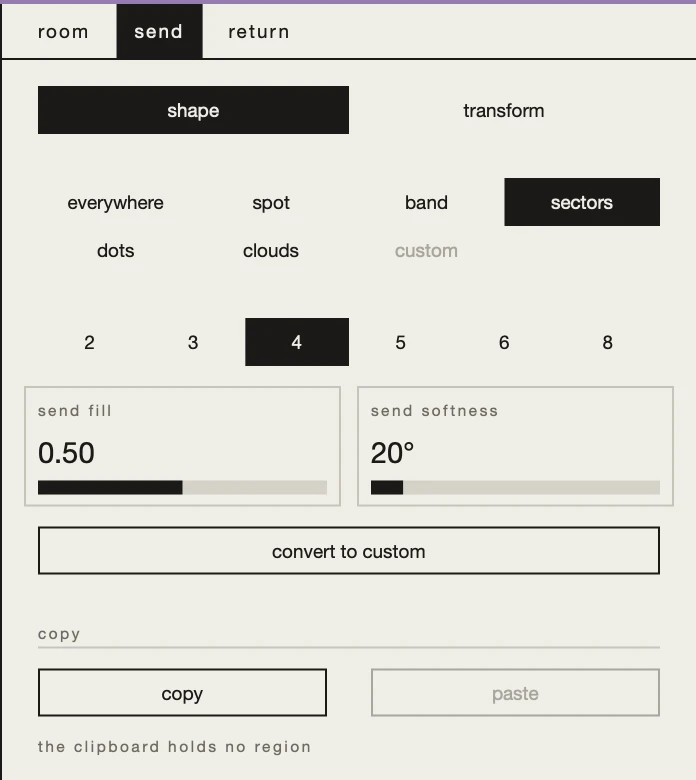
Reverb has two regions, each on its own tab:
sendis the part of the sound scene that goes into the reverb.returnis where the reverb comes back from.
Both are everywhere to start with. Narrow the send, and only sound arriving from there goes into the reverb; narrow the return, and the reverb comes only from there. The dry signal still carries the whole sound scene. Shaping and moving a region works the same in every plugin: seeregions.
the 3D view
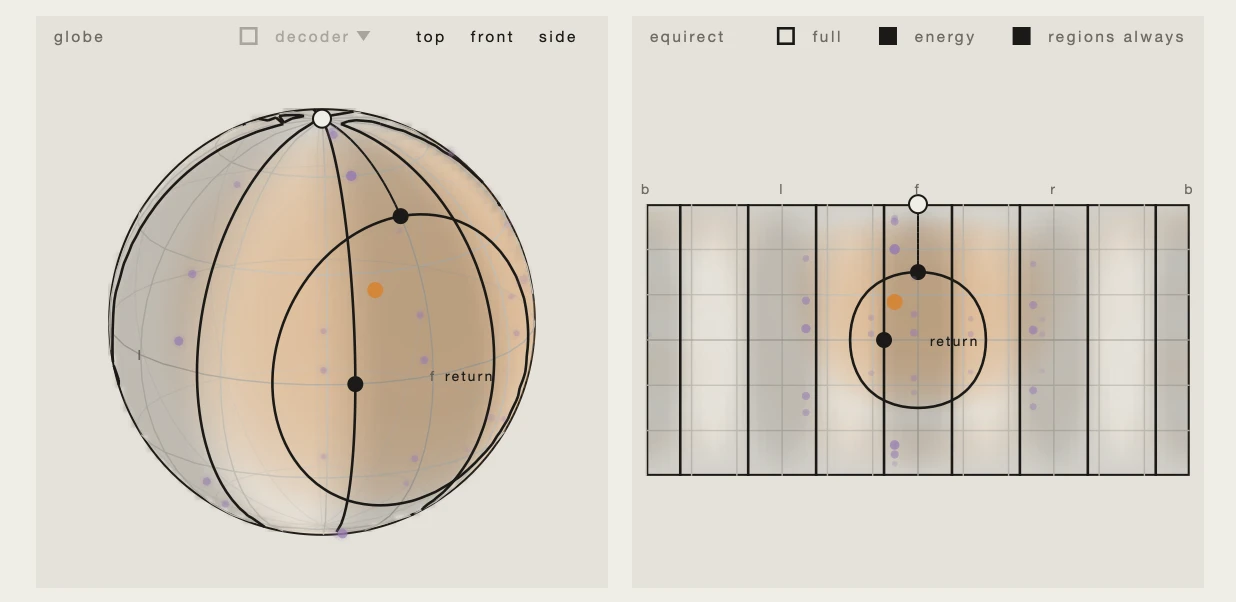
Place the probe in the 3D view and Reverb shows the early reflections a sound from there would get: a mark for each, where it arrives from and how strong it is. Only the mirror reflections are drawn. What the walls diffuse goes into the tail, which comes from everywhere and has no direction to draw. The display is computed from the plugin's current room, so it changes as you change the room.
things to try
- A bigger room. Place the probe, choose
hall, thenlarge hall: the marks spread further apart and the reverb tail gets longer. - Clear walls, then rough ones. Turn
roughnessdown and the reflections stand out as echoes off the walls; turn it up and they shrink as more of the sound goes into the tail. - A room behind you. In
return, choose a spot and put it behind the listener. Whatever goes in, the reverb comes from behind.