echo
four delay taps whose repeats rotate around the listener
Echo is an ambisonic delay with four delay taps, each with its own feedback: every repeat comes back a little later, rotated further around an axis, and a little quieter and blurrier than the one before.
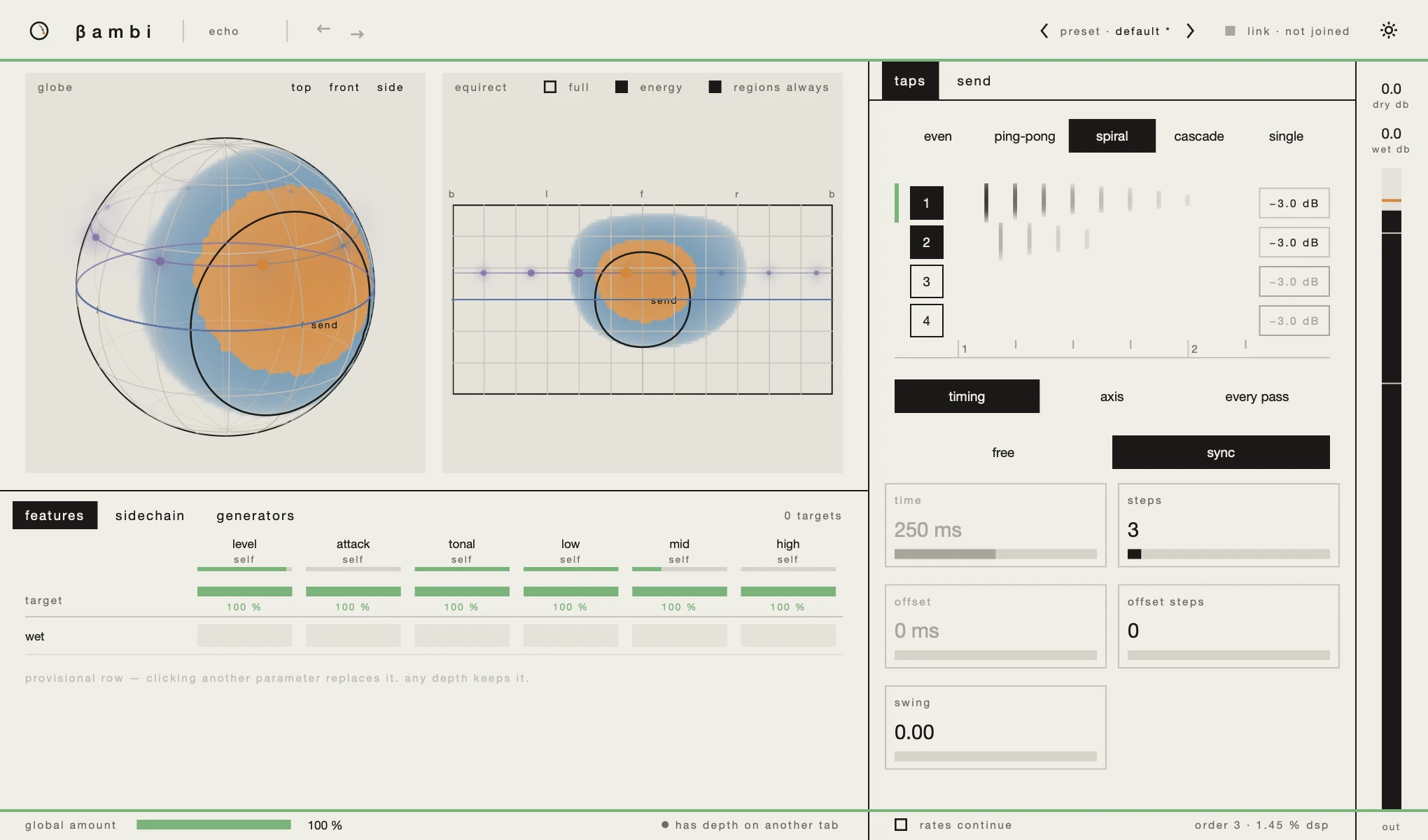
Its window is the one every bambi plugin has; the 3D view, the matrix, presets and the link are explained inthe window. This page covers what is Echo's own: its two tabs, taps andsend, and what it shows in the 3D view.
the taps
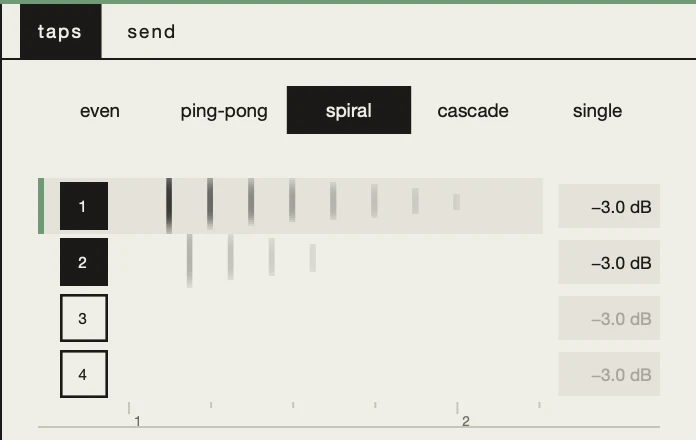
The row at the top is a set of starting points for all four taps:even, ping-pong, spiral, cascade andsingle. Choosing one sets the taps; the pattern stays highlighted while you edit them, and a double-click brings its values back.
Under it, the strip shows the four taps on one timeline. Each row is one tap:
- Click a row to select that tap. The pages below edit the selected one, marked by a bar at its left.
- The numbered box switches the tap on and off without selecting it, so you can mute a tap while editing another.
- The level at the right; drag it to change it. It is greyed while the tap is off.
- Every pass is a mark on the row, at the time it plays. A mark fades as the repeats get quieter, spans the tap's band from high at the top to low at the bottom, and softens as the repeats get blurrier.
The ticks under the strip are beats, so you can read an offset against them.
timing
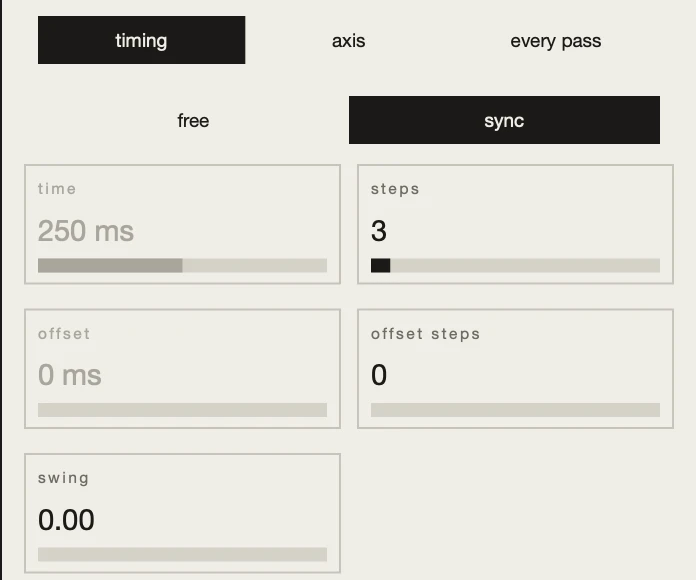
Under the strip, the selected tap's settings come in three pages: timing, axisand every pass.
free and sync choose how the delay time is set. In free, each repeat comes aftertime milliseconds; in sync, after steps sixteenth notes. Both rows stay on screen, and the one not in use is greyed.
offsetoroffset stepsstarts the tap late.swingdelays a synced tap by a fraction of a step, off the grid of the others. It is greyed when the tap is free.
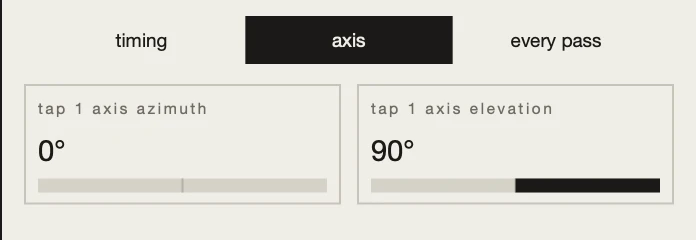
axis
The axis the tap's repeats rotate around, as an azimuth and an elevation. Straight up, at an elevation of 90°, the repeats circle around the listener; tilted on its side, they roll over their head. How far each repeat rotates is on the next page.
every pass
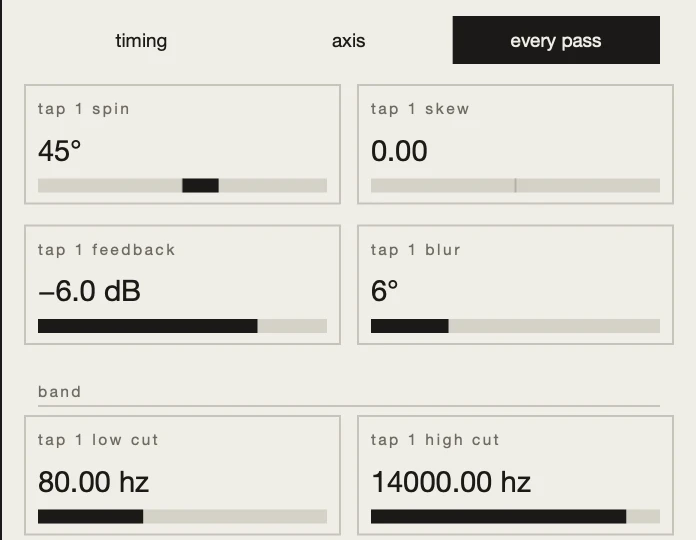
What happens on each repeat, in two pairs and a band:
spin, how far each repeat rotates around the axis, andskew, how far it shifts along it. A spin of 180° is a ping-pong: every second repeat is back where it started.feedback, how much quieter each repeat is, andblur, how much blurrier.- band: a
low cutand ahigh cut, applied on every repeat, so the repeats get thinner as they go.
send
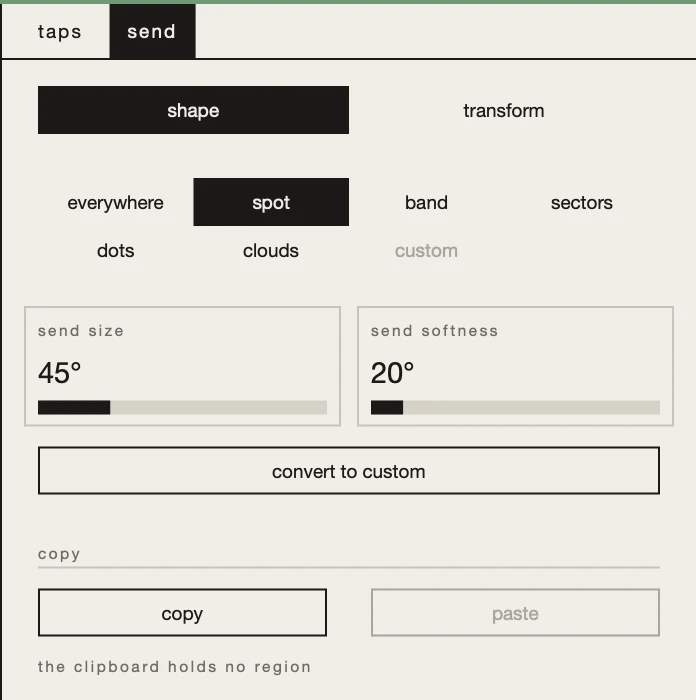
The part of the sound scene that goes into the delay. By default it is everywhere; choose another shape and only sound arriving from there is delayed. The dry signal still carries the whole sound scene. Shaping and moving a region works the same in every plugin: seeregions.
the 3D view
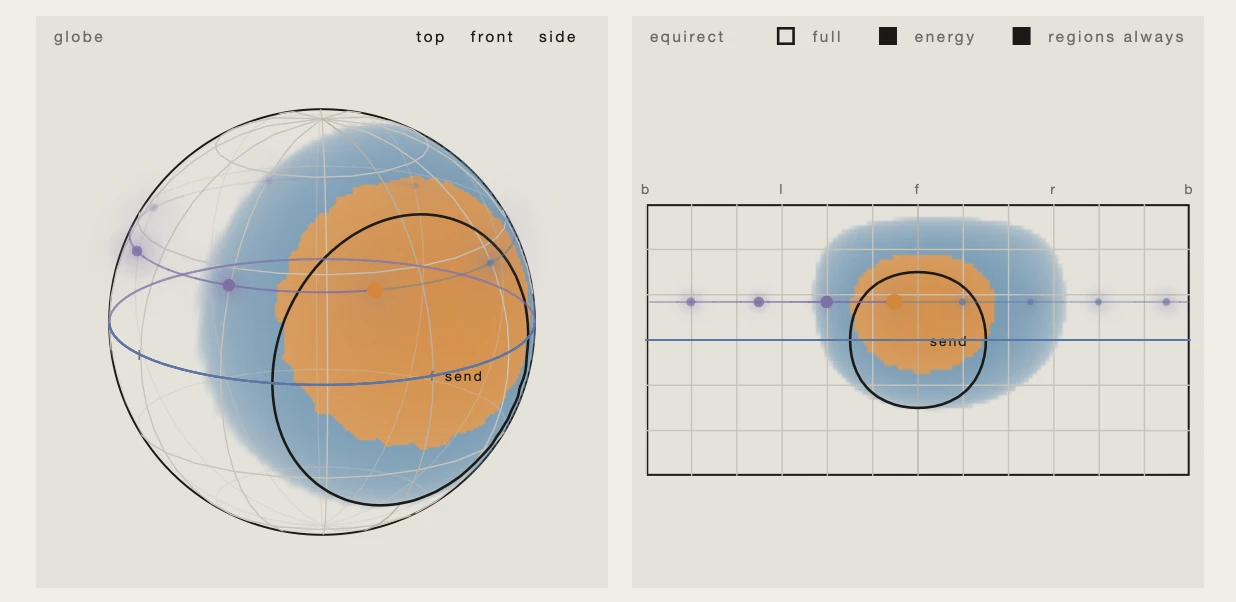
Place the probe in the 3D view and Echo shows where its repeats arrive from: for each tap, a spiral that rotates the probe's direction around the tap's axis one repeat at a time, climbing as the skew adds up and fading with the feedback. Each repeat is a dot as wide as its blur. The selected tap is drawn in full and the others fainter, and the display follows the taps as they play, modulation included.
things to try
- A ping-pong that fades into the room. Choose
ping-pong, openevery pass, and raiseblur: each repeat is blurrier than the last. - Echoes that climb. Choose
spiraland giveskewa value: each repeat rotates and rises a little more. Place the probe to see the spiral. - Only one direction repeats. In
send, choose a spot and put it over one source. Only that source is delayed; the rest of the mix stays dry.