decoder
An ambisonic decoder for loudspeakers and binaural headphones, with head tracking
An ambisonic decoder for loudspeakers and binaural headphones, with head tracking
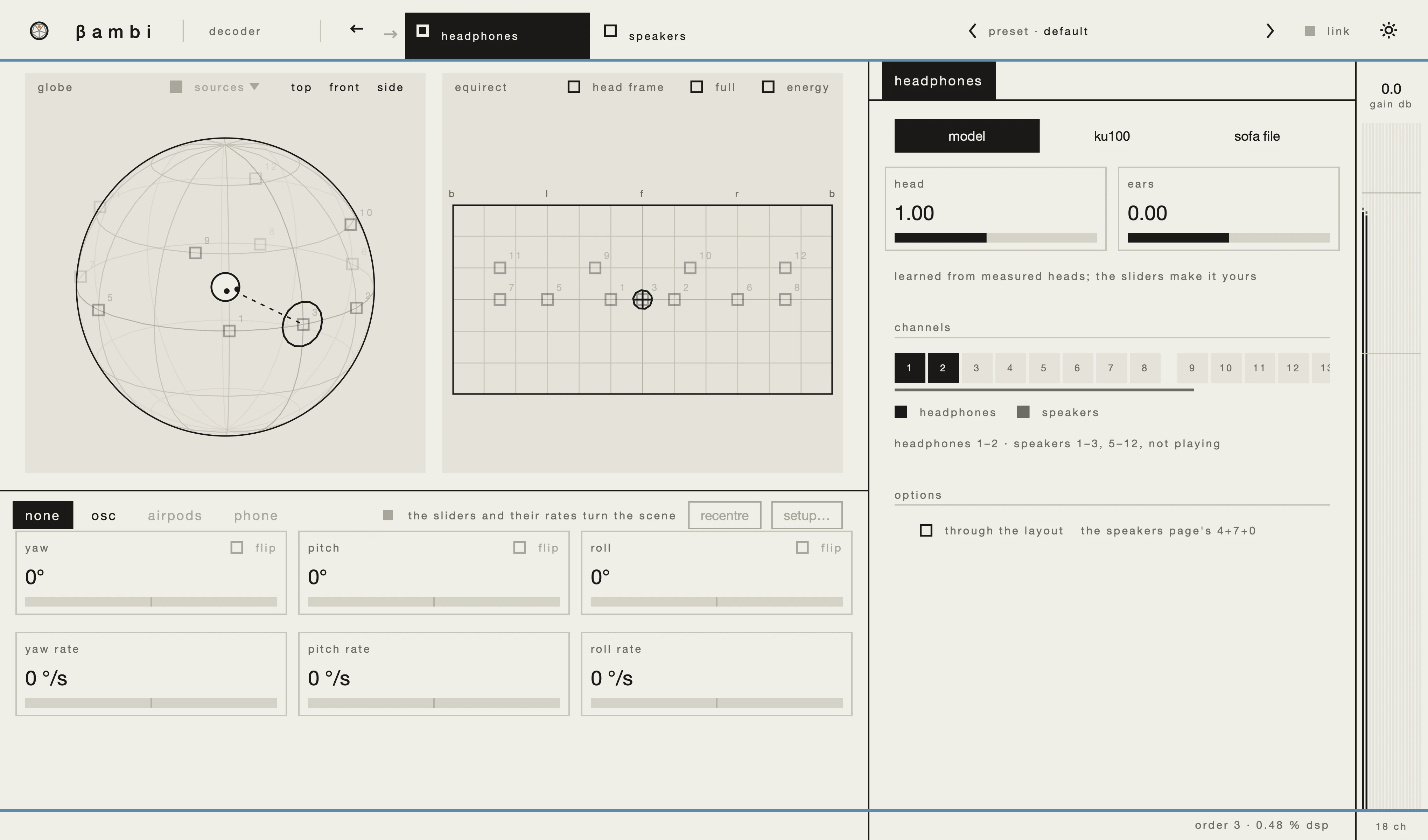
The outputs sit in the header: tick a box to turn one on, click its name to open its settings. Both can play at once, on their own channels.
An HRTF model learned from measured heads, fitted to you with two sliders.
The output channel pair, and through the layout: the speakers page's loudspeaker layout played virtually on the headphones.
The speakers page opens on three sub-tabs: layout, decoding and fill. On layout, where the loudspeaker layout comes from, and the channels it plays on.
Who listens, and how the loudspeakers are matched.
Directions a layout does not cover, such as above a 7.1 ring, play binaurally on the same loudspeakers through crosstalk cancellation, for one listener in the sweet spot. What the layout covers plays as before, at the same level.
Direction, distance, gain and delay for each loudspeaker, a test button for each, and a button to add one on the next free channel.
In place of the modulation matrix: head tracking from OSC, AirPods or a phone (AirPods and phone via a helper app on macOS). Yaw, pitch and roll rotate the scene by hand, each with a rate; a double-click resets an angle and what its rate has added.
The tracker's own page, beside the output's: for OSC its port and message format, for AirPods and a phone their connection.
The sources, the loudspeakers and the triangulation between them, on the sphere and the flat map.
This page is being written.